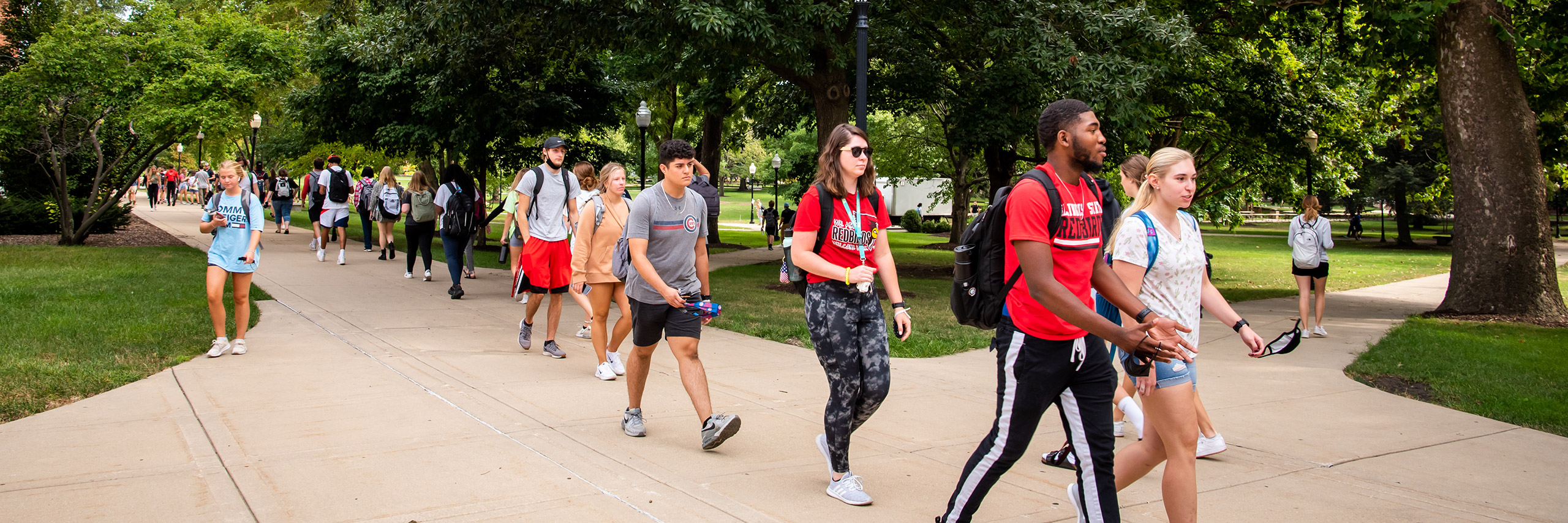
Students walking on quad

Student Accounts

2026-2027 Academic Year
News and Updates 

Welcome Redbirds to the 2026-2027 Academic Year.

A couple of quick updates you may notice on your Student Account/Student Bill (not applicable to all students).

  • Students in fully online programs will be charged Outreach Fee and not the Mandatory Fees. These fees are charged at the same rate per credit hour.
  • Illinois State University is changing the way Out of State residency exceptions are applied to accounts. In the past you may not have seen the Out of State differential charged on the account, but you will see it now, as well as the associated waiver that previously qualified you for In State Tuition.

Important Info and Reminders!


    • Payment Plans/Due Dates

      • Plan options: 5-month or 4-month payment plan.
      • Due Dates: 28th of each month
      • $35.00 Payment Plan convenience fee – charged at set up.
      • Late Fees - $20 per late installment
         Late payments and delinquent accounts will still be subject to holds that prevent future registration.
      • More details - view our Payment Options site.
      • Sign Up Assistance - view our "How To Enroll In A Payment Plan".

      Pay In Full Due Dates*:
      Fall semester: September 15th
      Spring Semester: February 15th 

      *If you have a balance after the Pay in Full Due Date you will be enrolled in a 4-month administrative Payment Plan and will be charged a $50.00 convenience fee for that semester.

      ** Please Note: Study Abroad charges are billed and due by the due date stated on the bill and are not eligible for the payment plan each semester.

    • Refunds

      * Paper refund checks – will be mailed to the student's mailing address the Tuesday after refunds are run. Students with eRefunds will still get their refund the Friday that refunds are run.

      Sign up for eRefunds (direct deposit) today! It is the quickest and easiest way to receive your future refunds! View our Set up an eRefund Account (direct deposit) for Student for step by step instructions.

      Here is how the refund process works:

      • The first refund process for each semester starts the Wednesday before classes start. This is an internal process and a refund is not yet available.
      • eRefund (direct deposit) will be available that following Friday. You will receive an email notification at your ilstu.edu email address that a refund in the form of an eRefund has been generated.
      • *Paper refund checks - checks will be mailed to the Mailing address on file for the student.
      • For Parent PLUS loan refunds please refer to the Refund page for more details.
      • Refunds are generated weekly throughout the semester. Any aid not yet processed will be issued in the next refund run when it is available.
    • 1098-T Forms

      The 2025 1098-T tax form is available online in the Student Portal.

      For those students who opted into the paper version, paper copies have been mailed to the same address as billing statements.

      To confirm your billing address, please visit Contact Information Update/Confirm. Changing the billing address after the 1098-T form has been produced and mailed, will not prompt a new 1098-T form to be produced and mailed to the new billing address. Please reach out to the Student Accounts office for assistance. Click Contact Us for our contact information.

      Students have access to a copy of their current (2025) and prior year(s) 1098-T forms online through their Student Service Center.

      How to View 1098-T Online.

      View 1098-T Online - for students for instructions on how to view your 1098-T form.

      Authorized Users - if your student has granted you permission on your Authorized User account to view their 1098-T form(s), please visit View 1098_T Online - for Authorized Users .

      For additional information about the 1098-T form, please visit our Tax Credit page.

Check your "To Do" List

Please review your financial aid online at My.IllinoisState.edu to see if you have any "to do" items in your Student Service Center.